I struck gold in Arknights: Endfield’s depths-cracking the Electric Mining Rig’s full potential after endless trial and error.
They mine Originium Ore from the crystals around the area automatically and are way more productive in getting the job done. As it turns out, they’re a little too productive.
They fill up all too fast with Originium Ore, but they won’t restart mining until I go back and collect it all. Luckily for those like me who can’t keep up with them, Electric Mining Rigs make life a whole lot easier. Here’s how I make the most of them.
How to get Electric Mining Rigs in Arknights Endfield
To unlock Electric Mining Rigs, progress through the early AIC tutorials until the factory and basic resourcing tree open up, then spend an Index Point to research the Mining II node under the Basic II tier in the Planning Interface, which makes the Electric Mining Rig recipe available in the AIC build menu. After that, craft at least one Portable Originium Rig so you can upgrade it into an Electric Mining Rig using Origocrust and other basic materials, then place it directly on an Originium or Amethyst ore node and connect it to your power grid. Rushing your account to around level 10-15 through main story stages and dailies also helps, since this is roughly when the factory unlocks electric rigs and you can start replacing your early portable setups with permanent electric installations.
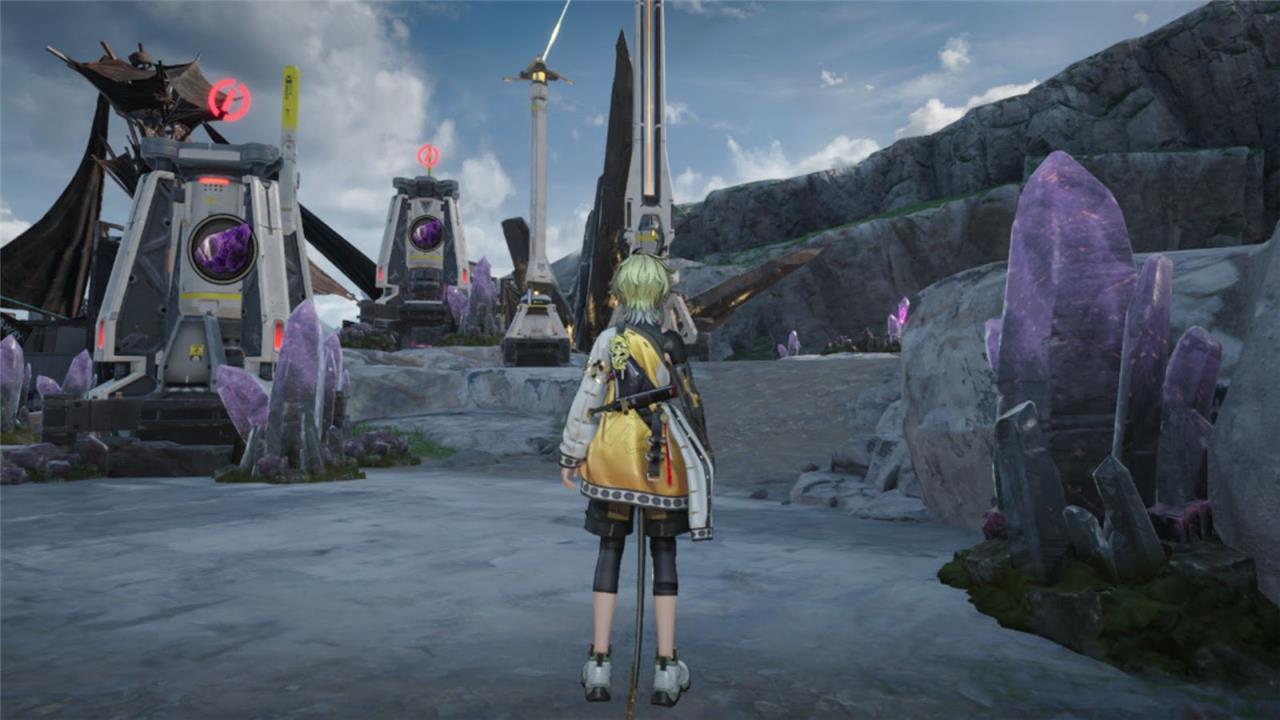
To get the Electric Mining Rigs, I follow the first main story chapter, “The Broken Lands”, until I reach the end. It’s then that the last story quest, “Paving the Way,” begins with Andre explaining how we need to increase our mineral mining efficiency.
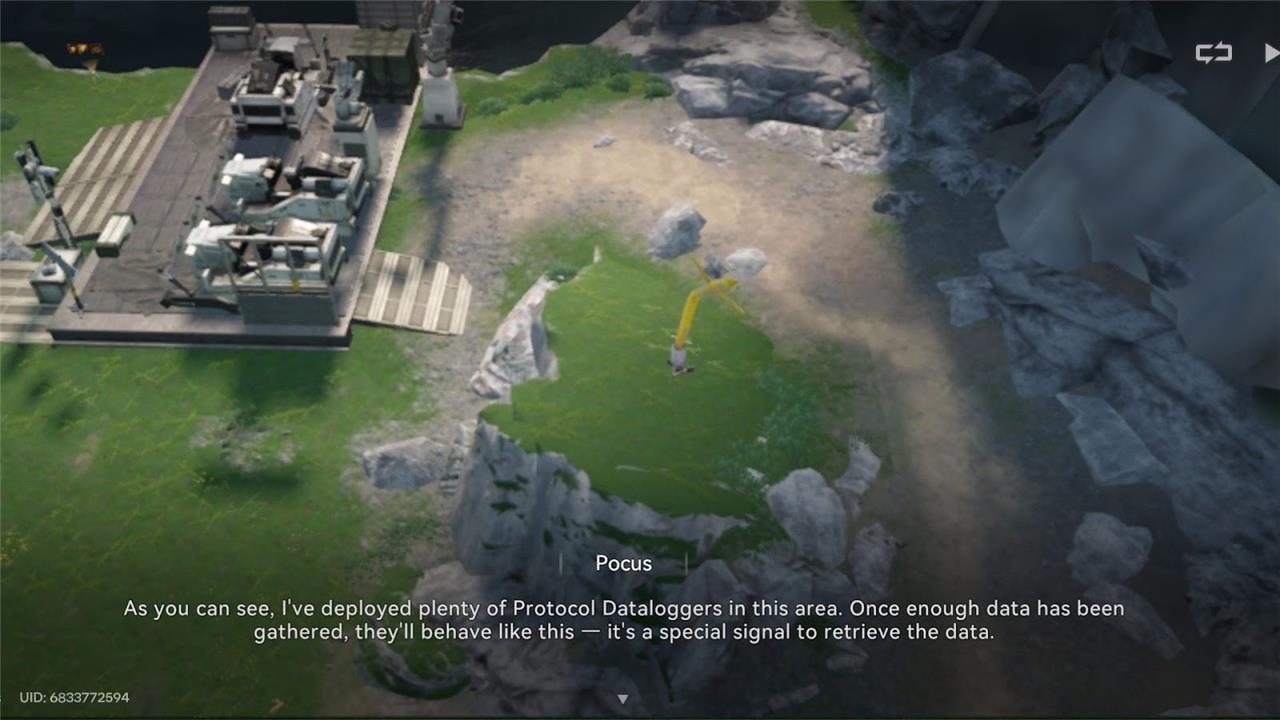
He then directs me to a cheese-string, otherwise known as a protocol data logger, a landmark that gives me a basic AIC index when I interact with it. This basic AIC index is exactly what I need to research Mining II and unlock the Electric Mining Rigs.
The more of these inflatable tube men you find, the more new industrial structures you’ll be able to unlock. It makes a certain kind of sense, trust me.
The biggest benefit of Electric Mining Rigs is that they automatically transport minerals to your depot. With how many times I forgot about my Portable Originium Rigs to focus on the main story, I was relieved to have mining rigs that I wouldn’t have to manually collect ore from.
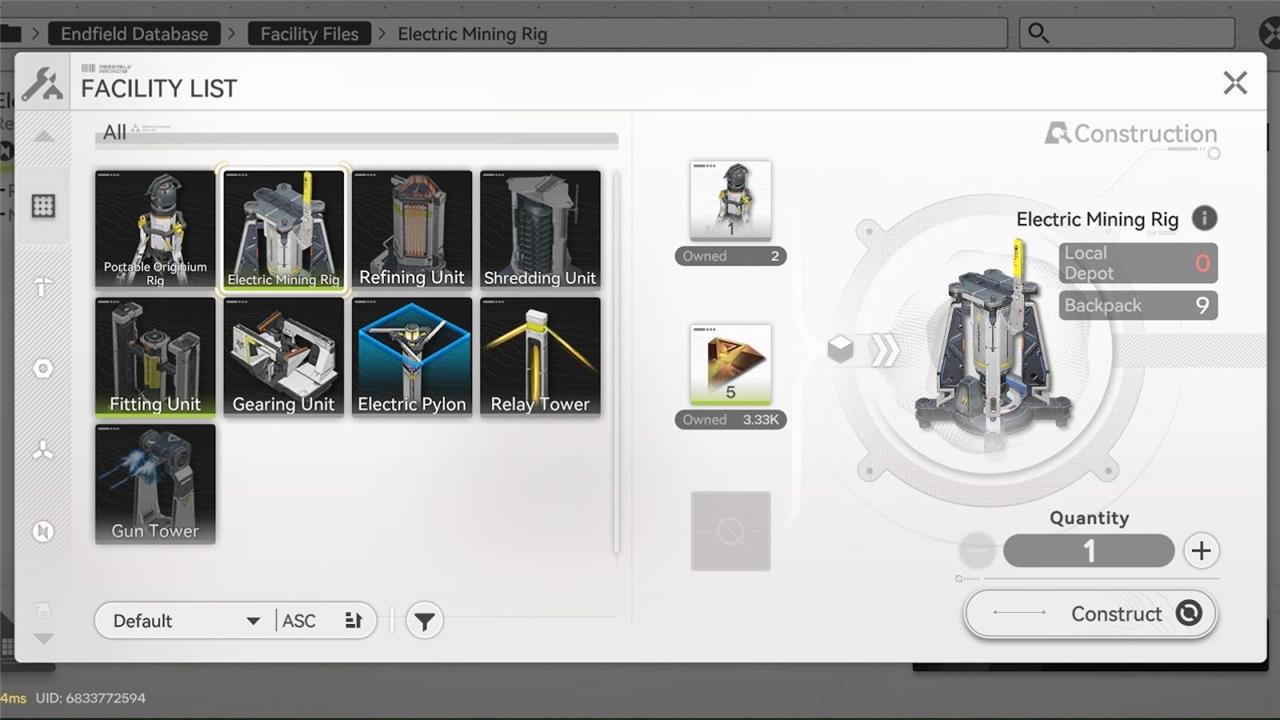
These Electric Mining Rigs are also straightforward to craft. The only things I need are the Portable Originium Rigs and Origocrusts, two items I’ve made plenty of earlier in the story.
The Electric Pylons needed to power them are crafted with five Originium Ore, a trivial amount at this stage of gameplay.
How to use Electric Mining Rigs in Arknights Endfield
Place Electric Mining Rigs directly on every available ore node, then connect them to your relay towers and electric pylons so they stay powered and send resources back automatically. Clear out old portable rigs instead of leaving them scattered, since they only slow down your layout and clog up the grid. Keep your cable lines short and tidy, grouping rigs in small clusters around shared pylons so you minimize wasted range and make future expansion easier. Once the rigs are stable, route their output into a simple one-lane conveyor toward your refineries and gear units, which keeps ores moving without constant manual adjustments.
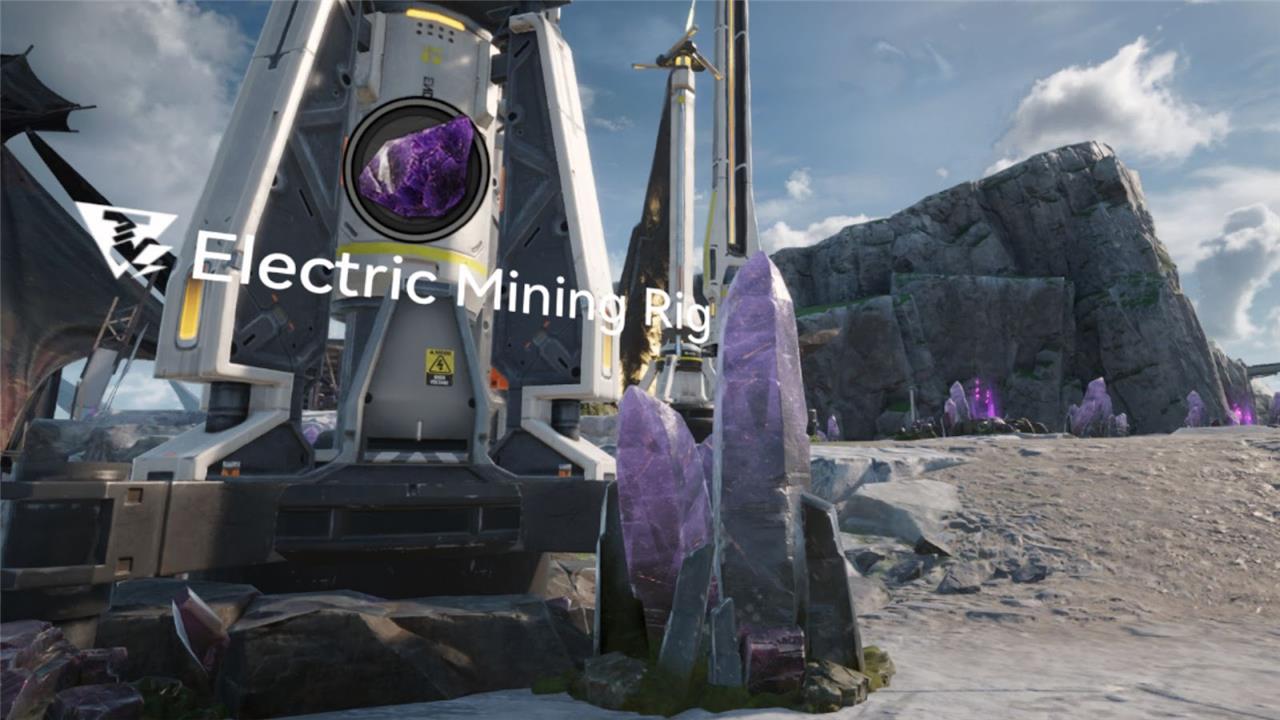
To get these Electric Mining Rigs working, they need to be placed next to an electric pylon that will power them on. These need a transmission from a nearby relay tower to get the energy they need to work, but I thankfully only need to set up one between my automation core and a nearby area filled with amethyst crystals.
This isn’t too obvious at first, but a handy stimulation mode makes it easy to learn the basics. Once I feel confident setting them up, the world of Talos II is my oyster.
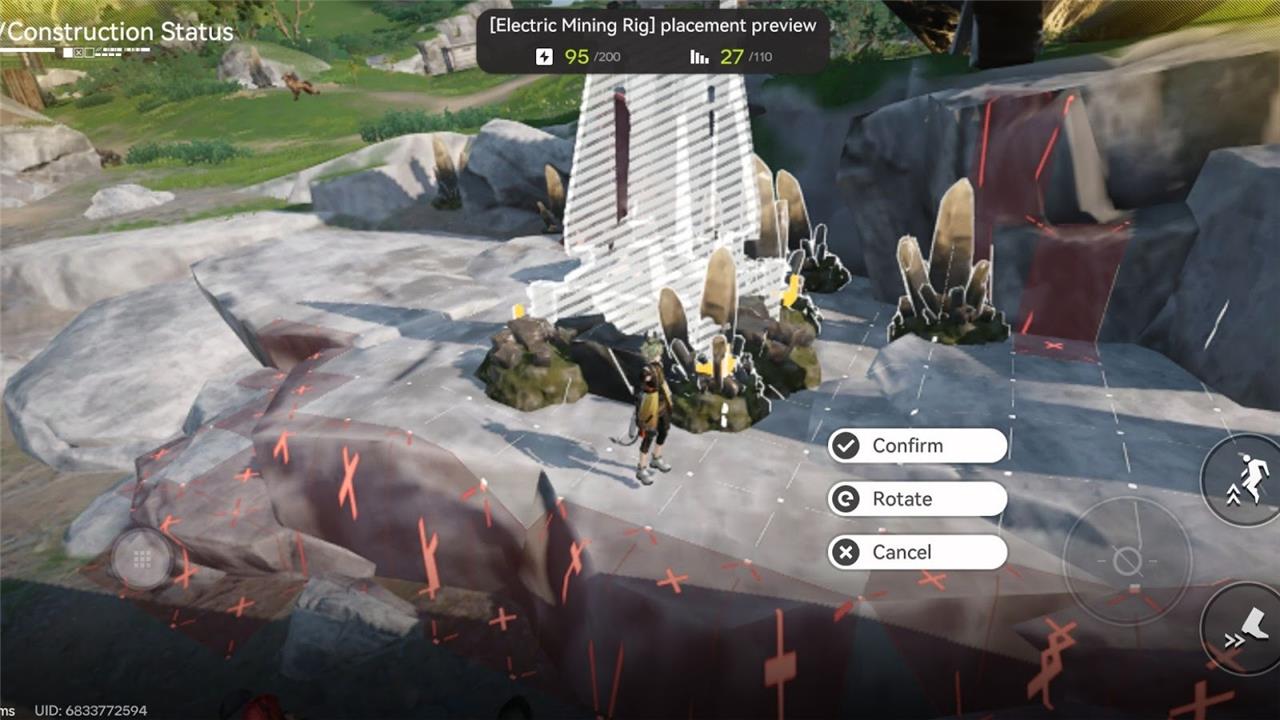
After setting my first Electric Mining Rig up, I’ve already set to work crafting plenty more and placing them at all the mineral deposits I can find. Thankfully, there are plenty of mineral deposits scattered around the Core AIC Area.
How to unlock Electric Mining Rig Mk II for Ferrium Ore
Unlocking the Electric Mining Rig Mk II (also called Ferrium Drill Rig) in Arknights: Endfield requires progressing through specific story quests and AIC research nodes.
Prerequisites
Complete the main story quest “Mystery in the Building” to unlock Originium Science Park and earn a Basic Expansion Core. This opens access to Ferrium Ore nodes in areas like Valley IV, west of the Transport Nexus, and near the Infra-Station outpost.
Research Steps
In the AIC Planning Interface, use the Basic Expansion Core to unlock the Basic AIC III node (Resourcing tree). Then research Mining III, which reveals the Mk II schematic; it costs 1 Index Point and requires factory level around 20+.
Crafting and Setup
Craft using 1x Portable Originium Rig (or Electric Mining Rig Mk I) and 10x Ferrium Parts (refined from Ferrium Ore). Place on a Ferrium deposit (3×3 area), connect to power via Electric Pylons and Relay Towers from the Infra-Station (unlocked via outpost mission), and ensure 10 power supply-the rig auto-mines and sends ore to your Depot.
What materials are needed to build Electric Mining Rig Mk II
To build the Electric Mining Rig Mk II in Arknights: Endfield, gather these materials.
Required Materials
-
1x Portable Originium Rig (a basic mining structure you craft early or upgrade from).
-
10x Ferrium Parts (refined from Ferrium Ore at your production facility).
Crafting Notes
Ferrium Parts come from processing raw Ferrium Ore, so mine some manually first if needed. Unlock the blueprint via Mining III research in Basic AIC III before building; the rig then deploys on Ferrium deposits with 10 power.
